
Most of our customers are automatically logged into the knowledge base once they have signed up to CABIE, CABIE GB S&S or CABIE ICS2, or have been added as an additional user.
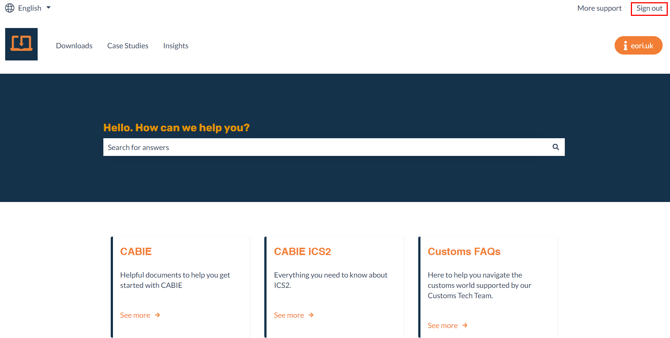
When you are logged into the Knowledgebase, you will have access to all the support articles, hints and tips, and frequently asked questions (FAQs), and the top right will show you 'Sign Out'
If the top right of the screen shows 'Sign In' , you should follow the link to sign in and access all the knowledge base content.
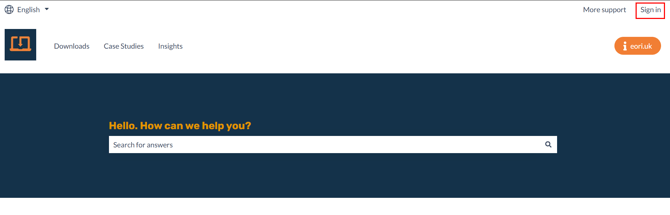
You have two ways of logging into the EORI (UK) Limited Knowledgebase:
1 - Username and Password
2 -Password-less email link
If you set a password when you were invited to the knowledge base, please enter your username and password now:
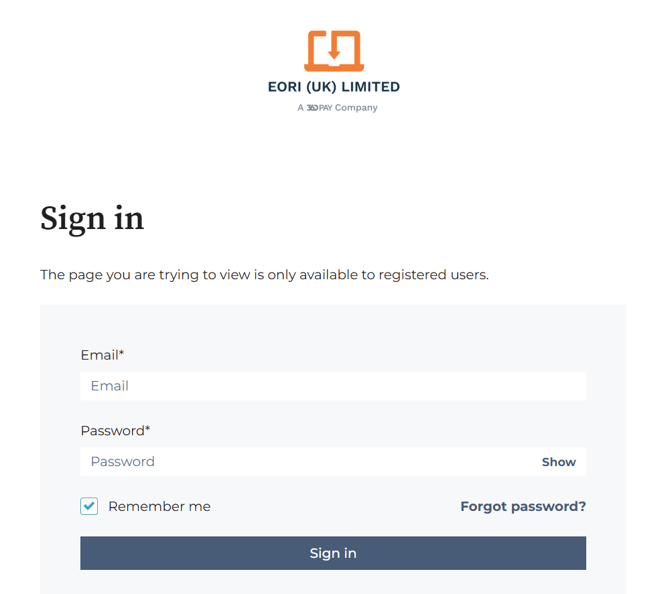
If you're not sure of your password, please use the option for going passwordless and enter your email address.

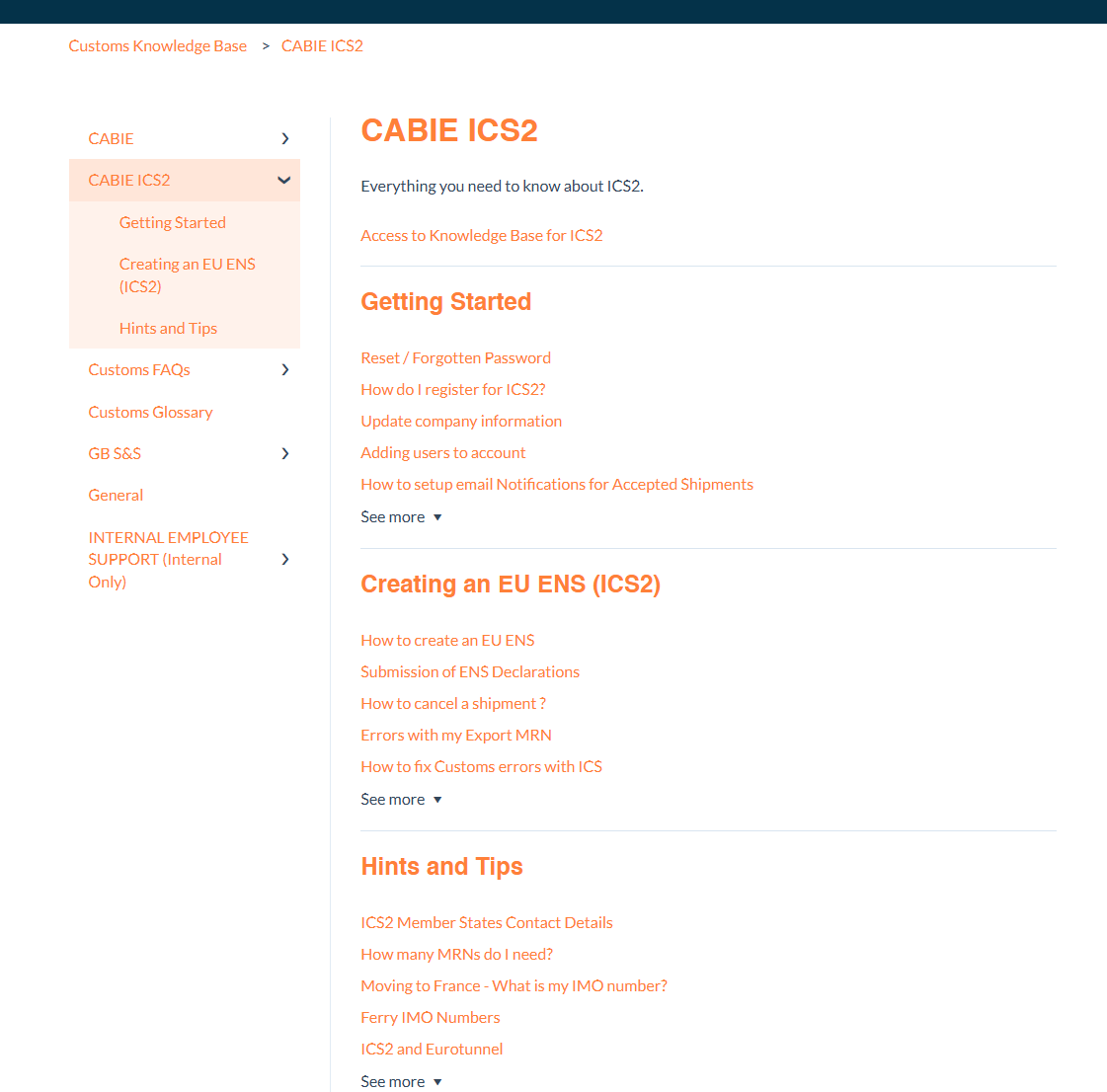
Once you have successfully logged in, you should see all the articles available for GB S&S:
If you have any issues with logging into the knowledge base, please get in touch with our customer services via our online form: Contact us